


Territory architecture
Alliance territory planning
Map the kingdom before the first flag is placed.
Build, validate, and compare complete alliance territory routes on a detailed kingdom map—before your team commits resources in game.
- Workspace
- Home Kingdom Maps
- Access
- Free · No account
- Drafts
- Local only
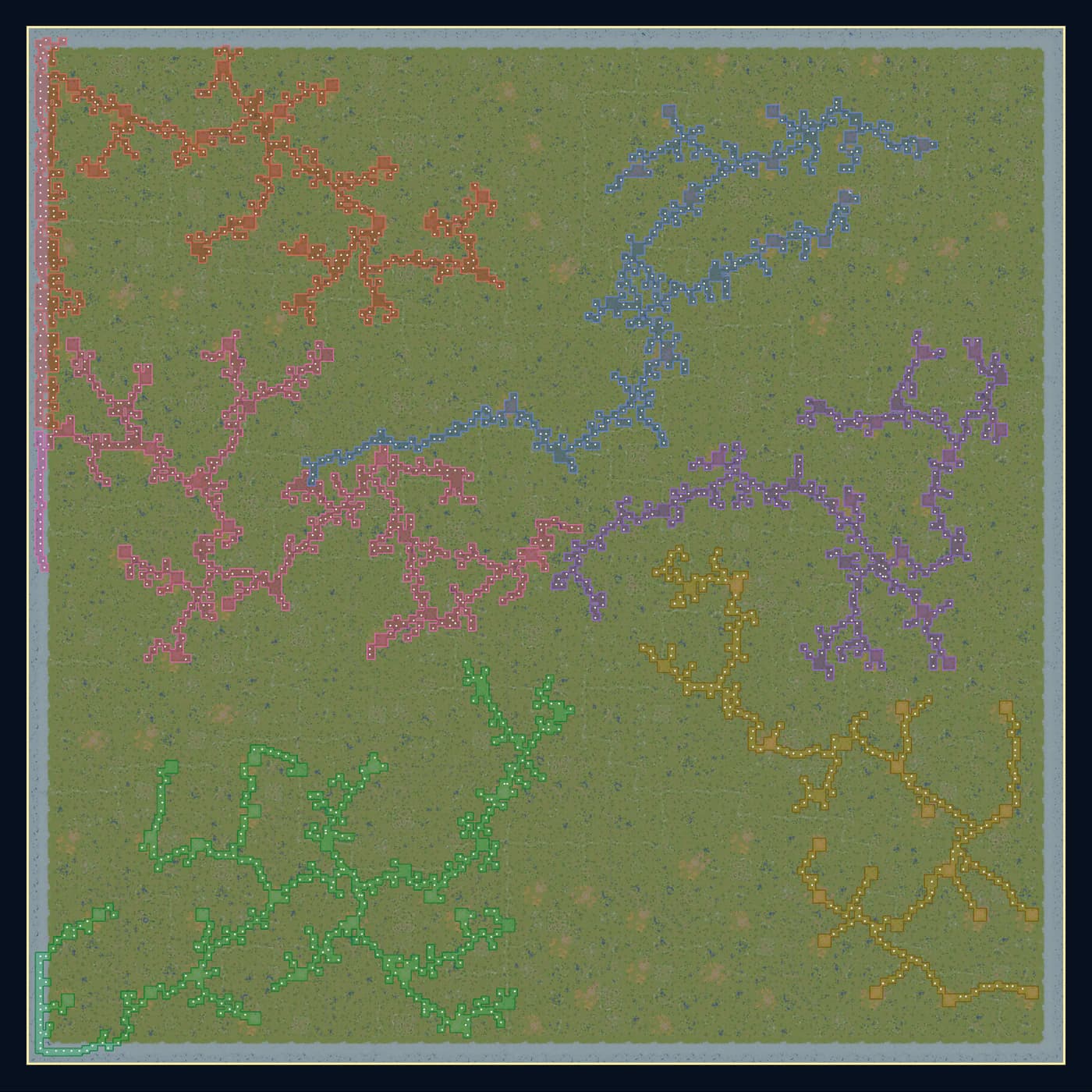
Kingdom Map A6-alliance territory plan
Node efficiency82.3%
Territory validationResource accountingAlliance mappingLocal drafts
One planning table
Turn a kingdom map into a shared strategic plan.
Realm Planner combines the spatial plan and the numbers behind it, so leadership can test a route before coordinating it with the alliance.
Deterministic validation
Know exactly why a placement succeeds or fails.
Terrain, collision, structure limits, and connectivity rules are evaluated consistently before a placement is committed.Strategic accounting
Compare the value behind every flag on the map.
Track construction costs, resource-node ownership, production, passes, and holy sites for every alliance.Local continuity
Return to the same planning table.
Version-bound drafts save in the browser automatically, without requiring an account for the current public workflow.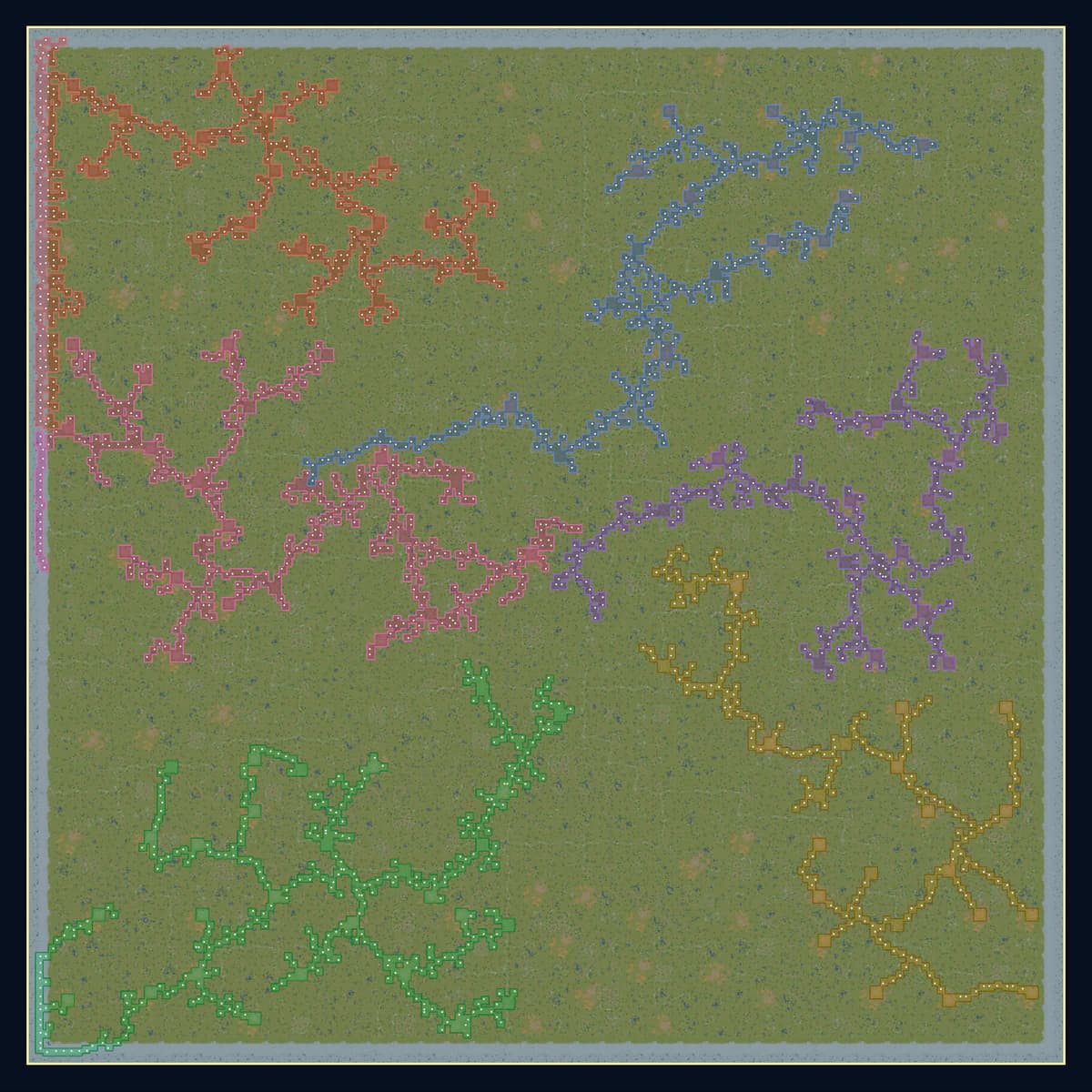
Kingdom Map A6 alliance routes
- Aurora
- Ember
- Tide
- Crown
- Sunforge
- Verdent
From idea to route
A clear workflow for consequential plans.
- 01
Add your alliances
Create and color-code the alliances participating in the kingdom plan.
- 02
Trace the territory
Place fortresses and flags directly on the topographic map or at exact coordinates.
- 03
Validate the outcome
Inspect ownership, connectivity, landmarks, resource income, and cumulative costs.
Planning options
Compare Free, Strategist, and Premium.
Plan on Kingdom Maps A–D without an account, with placement checks, resource totals, map layers, and drafts saved in your browser. Strategist and Premium include cloud workspaces, plan sharing, and optimizer credits.
Free
$0Complete local planning with no account or cloud workspace.
Strategist
Loading…/month · before tax100 retained cloud plans, two editor seats, 20 optimizer credits every month, and 5% off credit packs.
KVK maps
Premium
Loading…/month · before taxEverything in Strategist, five editor seats, 50 optimizer credits every month, 15% off credit packs, Live collaboration, and Premium optimizer priority queue.
KVK maps

Join the command room
Plan with the community behind the planner.
Share feedback, compare strategy, and follow the next Realm Planner milestones in Discord.